


Need Help?

What are your hours?

Our normal hours: M-F, 8 am to 5 pm

How do I report an outage?

Mena office: 479-394-4140
Dierks office: 870-286-2012
Toll Free: 877-828-4074

How do I pay my bill?

Use the Pay Now link, automatic bank draft, smarthub App, Pay by phone 855-935-3284, Pay in person at the office (convenient drive-thru), or pay by mail.

How do I get new service?

Apply through the website or in person at the Mena or Dierks office. 

Thanks for your message. We’ll follow up soon.

There was a problem submitting your request. Please try again.

SmartHub Mobile App

payment

One-Time Payment

No registration required.

Make a Payment

Log In & View Your Account

Log In Now

register

Register for
SmartHub

Register Now

support

SmartHub Support

Resources and FAQ

Support Resources


“RMEC offers the latest technology to help you manage your electric account 24 hours a day/7 days a week by computer, smartphone, or tablet with a free online application called SmartHub.”


With SmartHub, you can: 
Outages

Report Outages

Payment

Make a Payment

Check Usage

Check Your Electric Usage

Notifications

Notify Member Service of Account Issues
Alerts

Receive Email or Phone Alerts

Outages

Communicate Directly With The Cooperative

Download the SmartHub App.

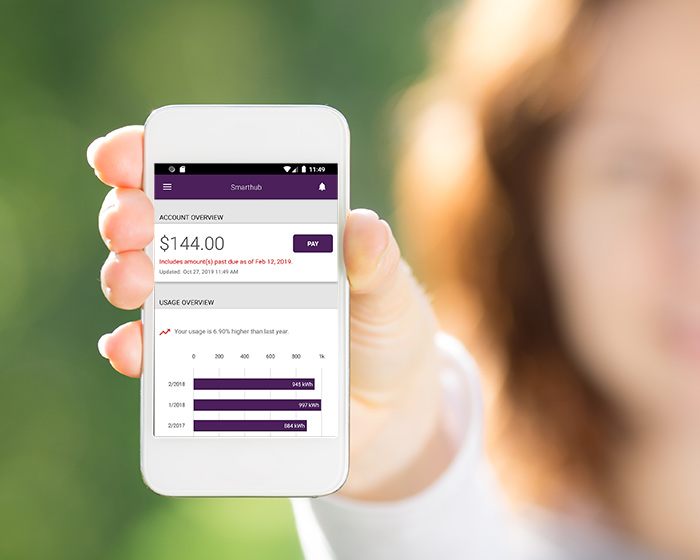
SmartHub provides utility and telecommunications customers account management at their fingertips. Customers can view their usage and billing, manage payments, notify customer service of account and service issues and receive special messaging from Rich Mountain Electric Co-op.


Download Apple App Download Android App

SmartHub App

Report an Outage

Did you know one of the best ways to report your outage to us at Rich Mountain Electric Cooperative is to report it using your mobile device? Using your SmartHub App to report an outage helps us know, in real time, where our lineman are needed.

Outage Map  Log In to SmartHub